Lucky Draw
Boost engagement and spend through lottery
On This Page
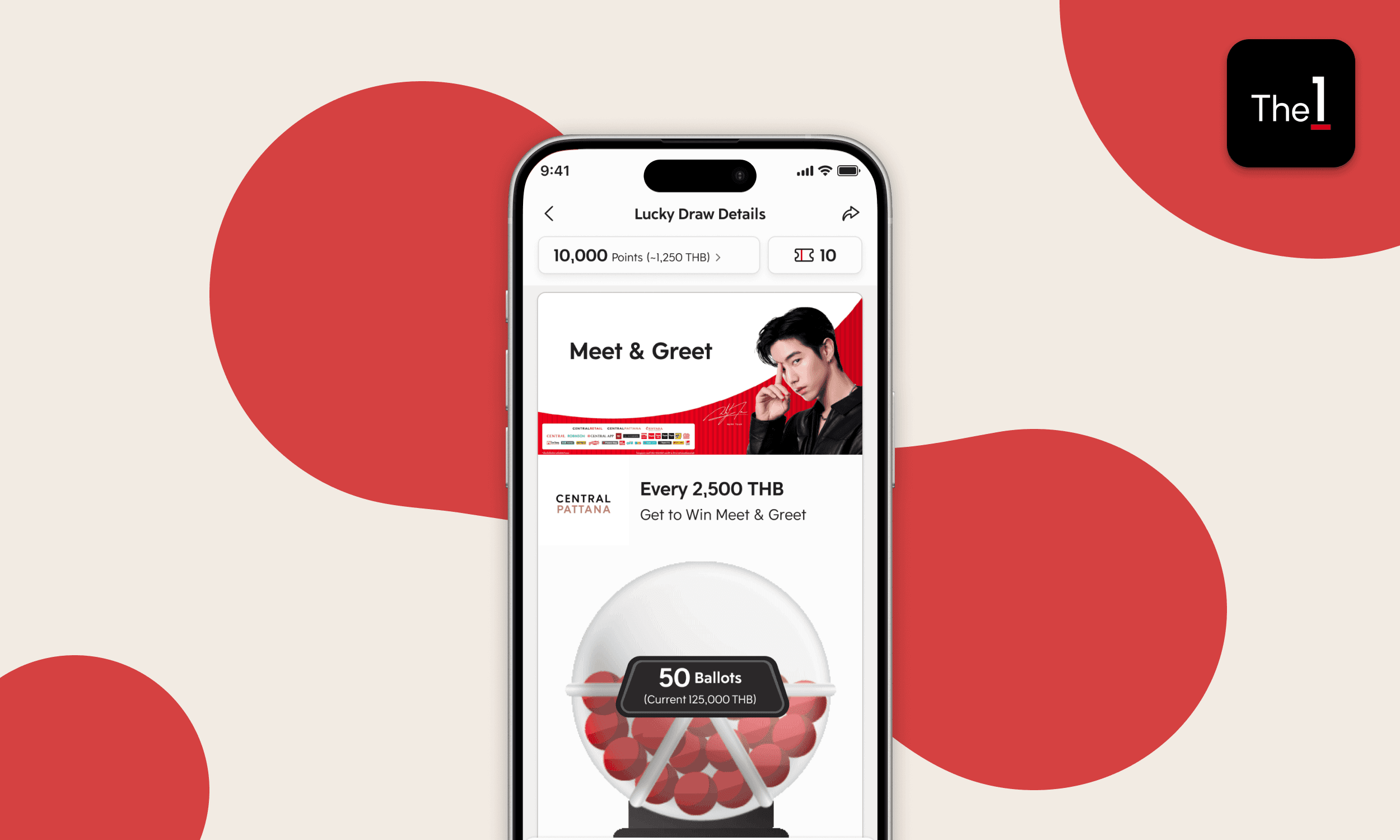
The 1 launched a new item type, Lucky Draw. Members join and collect ballots by spending at participating brands, redeeming points, or doing actions (e.g., check-ins). The more ballots collected, the higher the chance to win rewards.
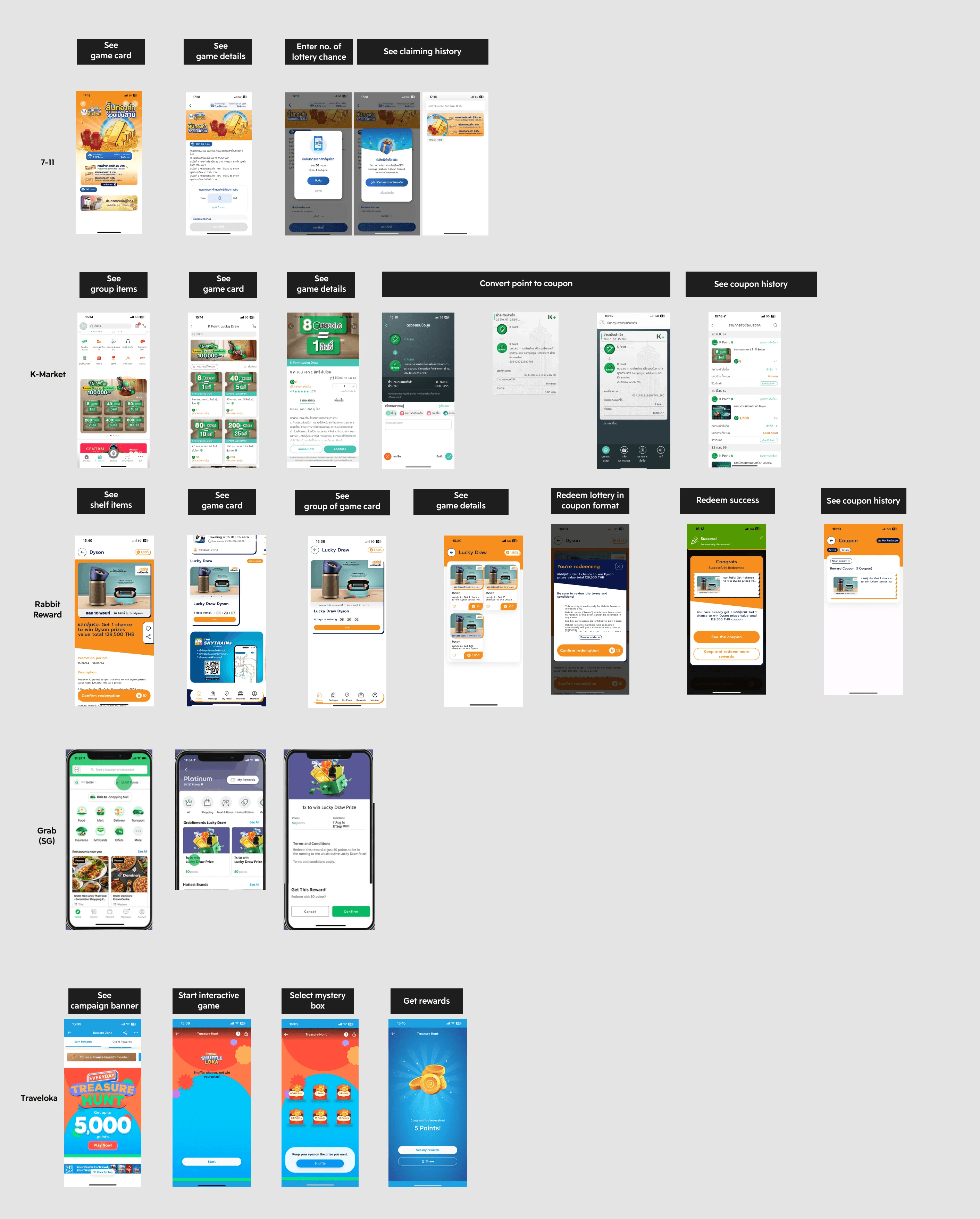
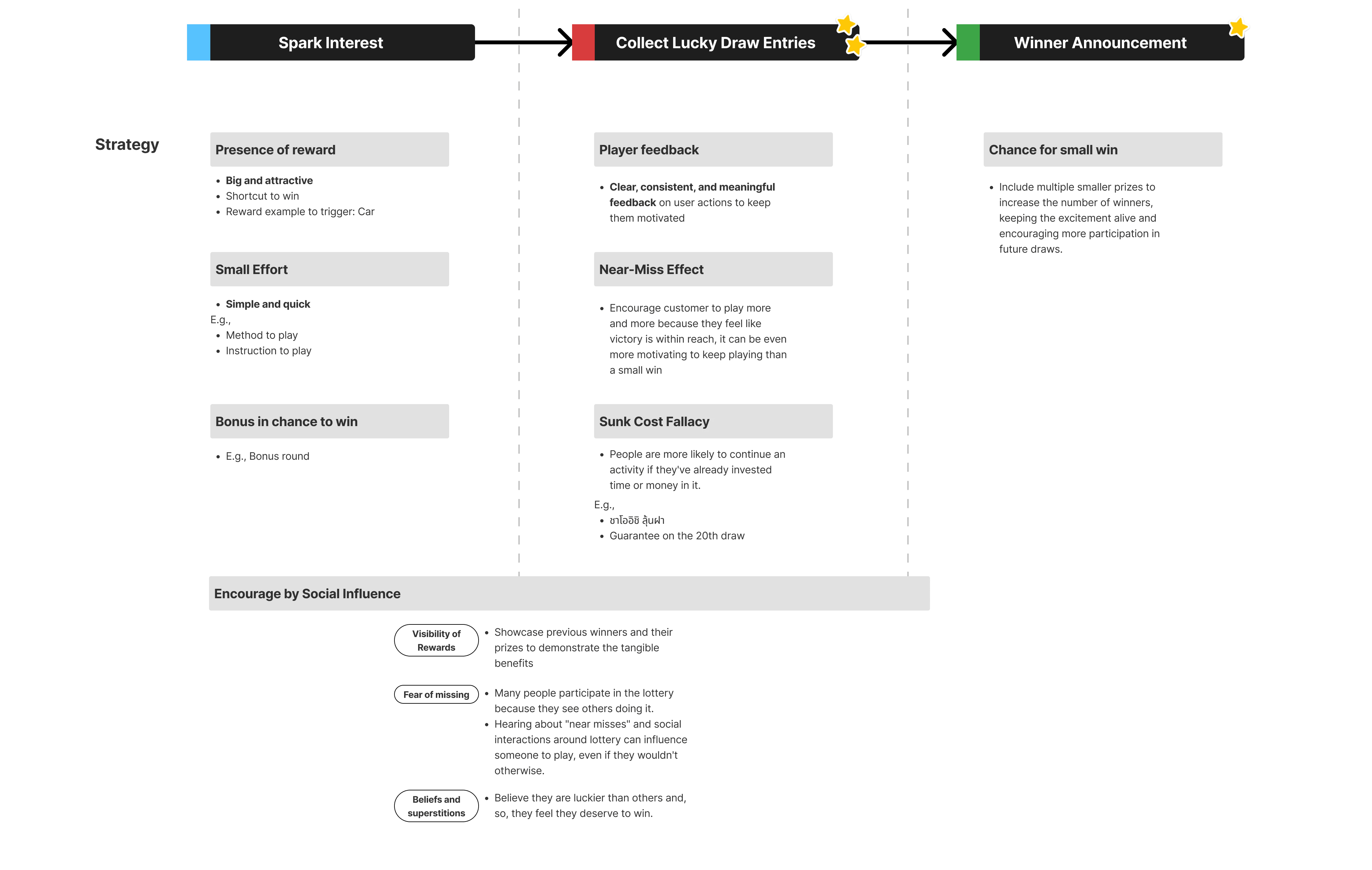
UX Strategy
I divided into 3 parts of journey.
What users must know → Information Architecture (IA)
Users need to know three things before they decide to join. The IA puts those answers above the fold in a clear order.

Ballot-machine concepts
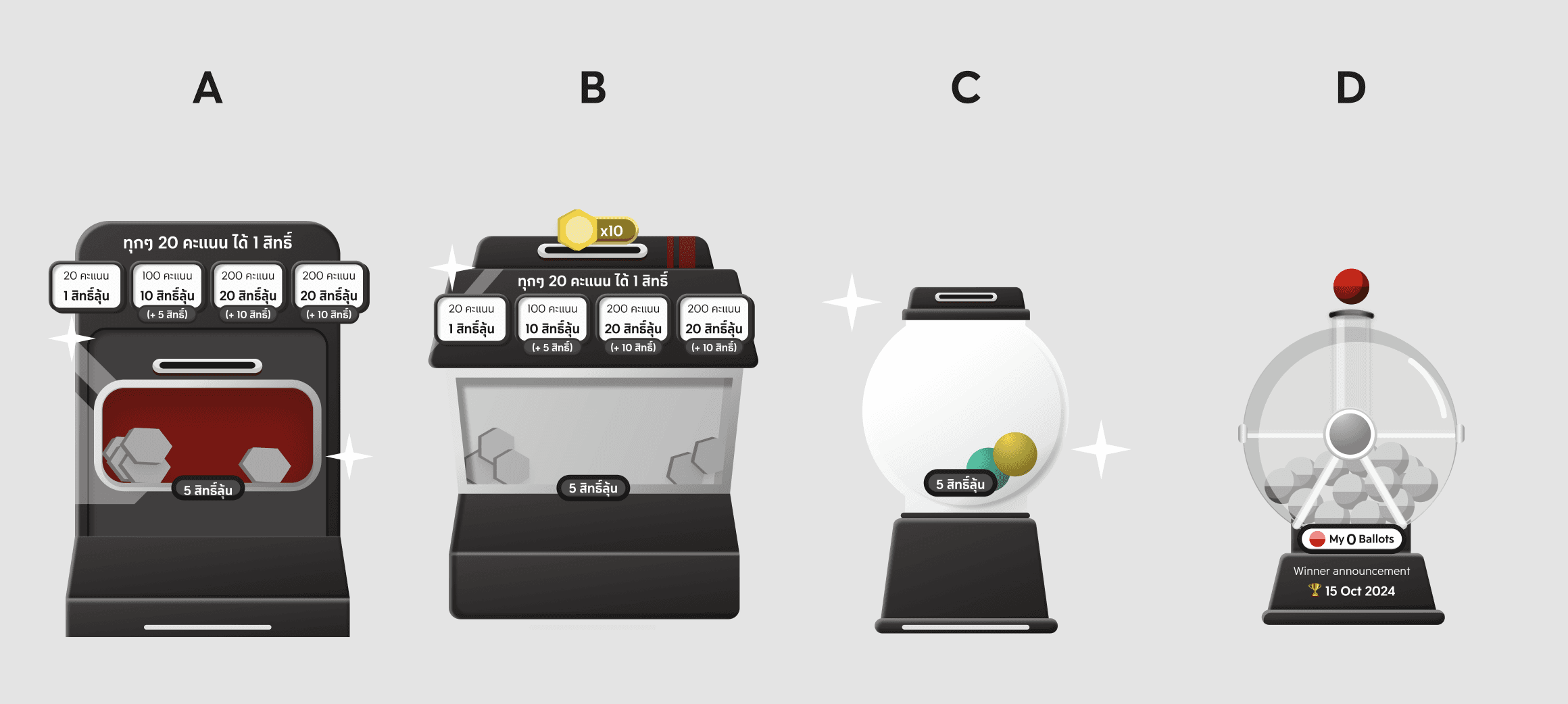
I explored UI styles that follow the IA but clearly signal “lottery / lucky draw”
Mail box - envelope drops into a mailbox
Claw machine - grabs a ticket/capsule
Gachapon - capsule
Bingo/Lottery Machine - spin, ball drop
After discussion with stakeholders, we chose Design (D) Bingo/Lottery machine because it looks and feels like a lottery spin wheel, so users get it in a second.
Motion & Micro-interactions
I developed the chosen design and created motion to bring it to life. Animations and micro-interaction feedback were built using Figma Prototype and Adobe After Effects, then exported as Lottie JSON files.
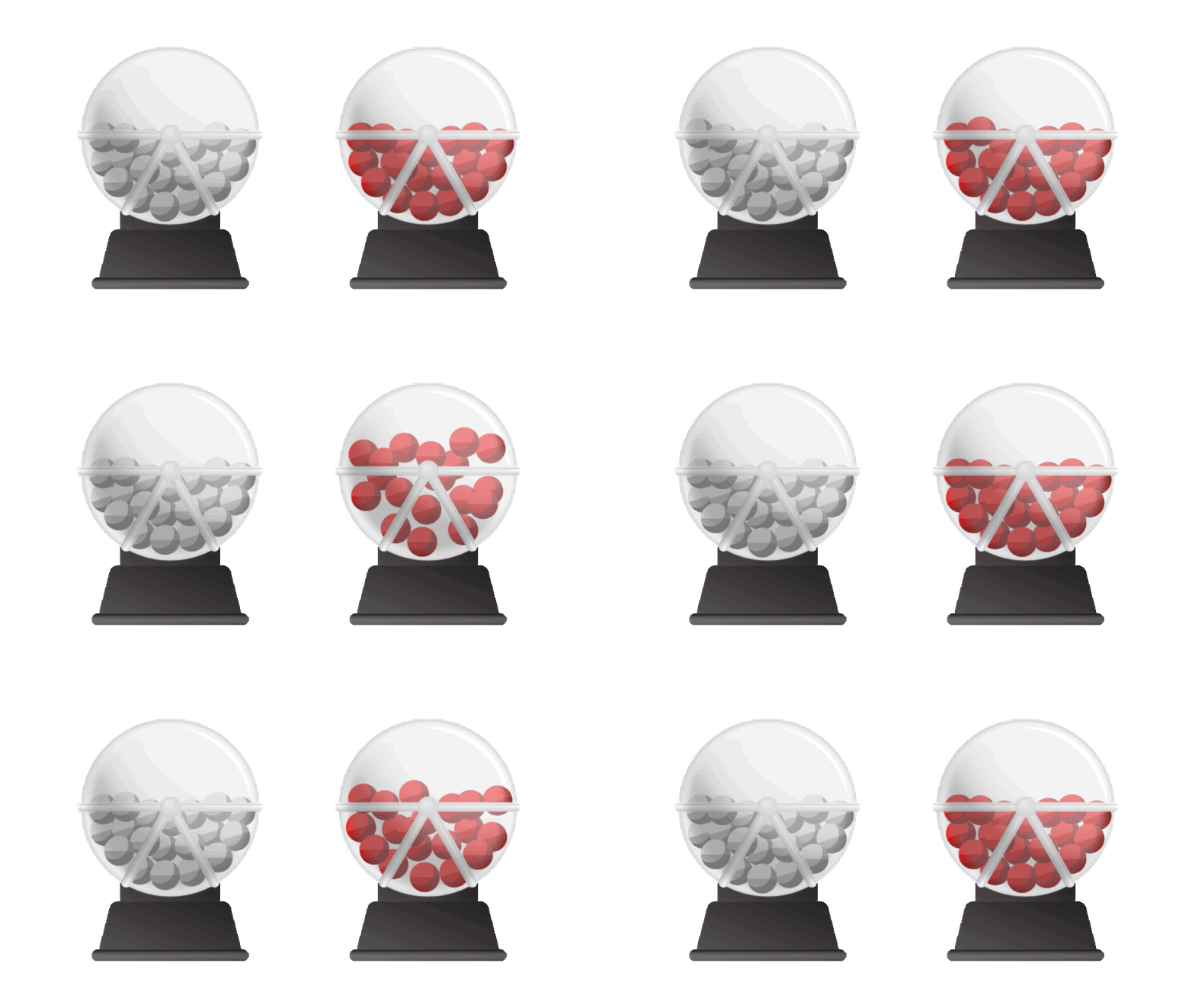
Inactive and Active Lottery Machine
Design Iteration
The Lucky Draw IA follows the same item-details pattern used across the app (e.g., Coupon/Cash Coupon) so content blocks, actions, and states remain generic, consistent, and scalable. Reusing shared components keeps the experience coherent across items and makes future items faster to ship and easier to maintain. (See the reason in Gamification case)